
Choosing an endpoint management platform is not simply a question of comparing feature lists. The real decision is whether the platform fits the organisation’s device estate, infrastructure model, operating systems, remote workforce, security requirements, IT skills, and future management strategy.
This becomes especially important for Saudi organisations operating across several offices or business units. A company may have Windows laptops at its Riyadh headquarters, remote employees in Jeddah and Dammam, macOS devices used by creative teams, mobile devices used by field employees, and servers that still depend heavily on traditional infrastructure.
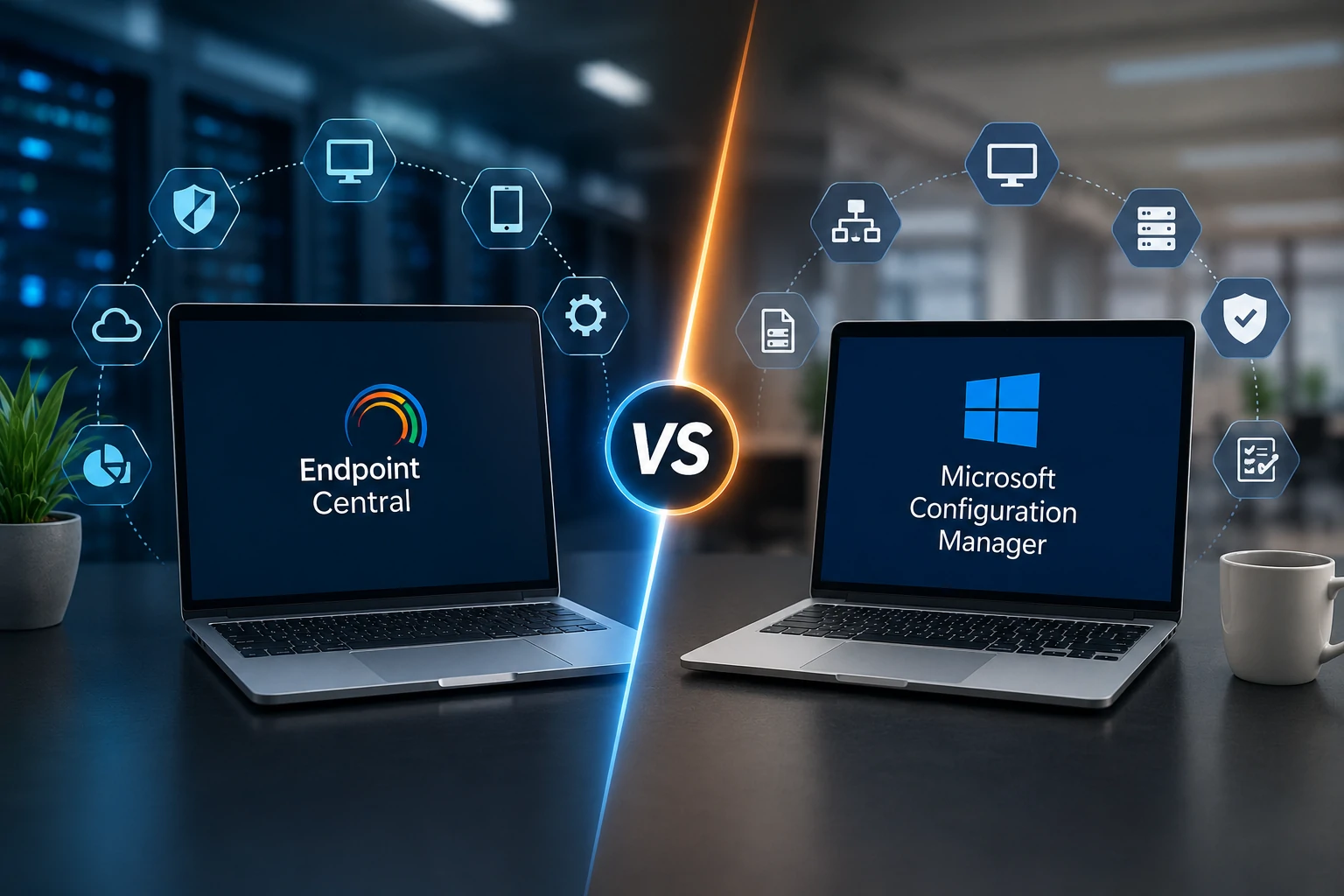
Two solutions frequently considered in endpoint management discussions are ManageEngine Endpoint Central and Microsoft Configuration Manager, which many IT professionals still know by its former name SCCM.
Microsoft Configuration Manager remains part of the Microsoft Intune family and continues to provide detailed Windows systems management capabilities. Endpoint Central takes a broader unified endpoint management approach that includes multiple operating systems, patch management, application distribution, remote troubleshooting, mobile device management, configuration management, asset visibility, and endpoint security capabilities from a central platform.
The better choice depends on what the organisation is trying to manage and how its environment is expected to evolve.
Endpoint Central vs SCCM: Understanding the Core Difference
What is Microsoft SCCM called today?
SCCM is the older name commonly used for Microsoft’s endpoint management product. The current product is Microsoft Configuration Manager, and Microsoft places Configuration Manager within the Microsoft Intune family.
Configuration Manager remains particularly relevant to organisations with established Windows infrastructure that already depends on Microsoft management technologies. It supports areas such as application deployment, software updates, operating system deployment, inventory, compliance settings, remote control, reporting, and other systems management functions.
Microsoft also supports co management between Configuration Manager and Intune. This allows organisations to manage supported Windows devices using both technologies and move selected workloads towards cloud based management gradually rather than replacing the existing environment immediately.
What is ManageEngine Endpoint Central?
ManageEngine Endpoint Central is a unified endpoint management and security platform designed to manage multiple categories of endpoints through a central console.
Its current capabilities include patch and update management, software deployment, asset management, configuration management, remote troubleshooting, operating system deployment, mobile device management, vulnerability remediation, browser security, application control, endpoint privilege management, data protection, reporting, and other endpoint security functions depending on the edition selected.
For an organisation managing Windows, macOS, Linux, mobile devices, and distributed employees, the value of this approach is that endpoint administration can be consolidated instead of building a separate management process for each device category.
The First Decision: What Does Your Device Estate Actually Look Like?
Before comparing products, IT teams should create an accurate inventory of the environment.
For example, imagine a Saudi enterprise with 700 Windows laptops, 120 macOS devices, 200 smartphones, several servers, and employees working from multiple branches. The decision is very different from that of an organisation operating almost entirely on Windows with a mature Configuration Manager infrastructure and established Microsoft administration expertise.
From an implementation perspective, IT Pillars recommends starting the comparison with the endpoint estate rather than with vendor preference. A platform that matches today’s infrastructure but cannot support the organisation’s future device strategy may create additional management complexity later.
The assessment should include:
- Operating systems currently in use
- Number and type of remote devices
- Corporate and personal mobile devices
- Existing Microsoft infrastructure
- Current patch management processes
- Application deployment requirements
- Remote troubleshooting needs
- Security and vulnerability management responsibilities
- Available internal technical expertise
Comparing Multi Platform Endpoint Management
One of the clearest decision points is platform diversity.
Microsoft Configuration Manager is strongly centred on Windows management and integrates with Microsoft Intune to extend modern and cloud based device management. Microsoft explicitly supports co management so organisations can continue using Configuration Manager while shifting selected Windows workloads towards Intune.
Endpoint Central is designed around a broader multi platform model. ManageEngine currently documents support for endpoint administration across Windows, macOS, Linux, servers, and mobile platforms, with management and security capabilities available from the same overall platform.
If an organisation is already highly standardised around Microsoft technologies, Configuration Manager with Intune may align naturally with its existing architecture. If the organisation wants to centralise management across a more diverse endpoint estate, Endpoint Central may deserve stronger consideration.
Which Approach Is Better for Remote Employees?
Both approaches can support devices outside the traditional office, but they do so differently.
Microsoft Configuration Manager supports internet based management through technologies such as the Cloud Management Gateway and can work alongside Intune through co management. Microsoft also allows organisations to move workloads such as compliance policies, Windows Update policies, device configuration, Endpoint Protection, and client applications towards Intune.
Endpoint Central is designed to manage distributed endpoints through centralised policies, patching, software deployment, remote support, and other management functions. ManageEngine also documents patching support for work from home endpoints without requiring those devices to be permanently connected to the corporate network through a VPN.
For decision makers, the important question is not simply whether remote management is available. The more useful question is how much additional infrastructure, cloud integration, configuration, and operational knowledge each approach requires in the organisation’s existing environment.
Myth: Replacing SCCM Is Always the Right Modernisation Strategy
Not necessarily.
If an organisation has a mature Configuration Manager deployment, experienced administrators, established Windows processes, and a clear Microsoft Intune strategy, replacing the existing platform purely because another tool appears simpler may create unnecessary disruption.
Modernisation should solve a real operational problem. If the organisation is struggling with multi platform management, remote administration, security consolidation, or excessive infrastructure complexity, evaluating another platform becomes more meaningful.
How to Decide Between Endpoint Central and Microsoft Configuration Manager
Compare the Platforms Against Operational Requirements
The most useful comparison is based on daily IT operations rather than product popularity.
| Decision Area | ManageEngine Endpoint Central | Microsoft Configuration Manager |
|---|---|---|
| Primary approach | Unified endpoint management and security across multiple endpoint types | Detailed systems management with a strong Windows focus |
| Multi platform management | Designed to manage Windows, macOS, Linux, servers, and mobile devices within the broader platform | Primarily focused on Windows, with Microsoft Intune used for broader modern device management |
| Cloud transition | Supports distributed endpoint management through ManageEngine deployment options | Supports cloud attachment, Intune integration, tenant attach, and co management |
| Patch management | Supports operating system and third party application patching with automated testing and deployment capabilities | Provides detailed software update management and can enable third party update support |
| Remote troubleshooting | Remote access and troubleshooting capabilities are available within the platform | Provides remote control and management capabilities within the Configuration Manager environment |
| Mobile device management | Includes mobile device management capabilities within the wider endpoint platform | Modern mobile management is generally aligned with Microsoft Intune |
| Best fit consideration | Organisations seeking broader consolidation across diverse endpoints | Organisations with substantial Microsoft infrastructure and mature Windows management processes |
This table should be used as a decision framework rather than a declaration that one platform is universally better.
Patch Management Can Change the Decision
Patch management deserves special attention because the process directly affects endpoint exposure and operational stability.
Endpoint Central supports automated scanning, detection, testing, approval, and deployment of patches. ManageEngine also provides support for third party application patching, allowing organisations to manage updates for supported non Microsoft applications from the same environment.
Configuration Manager provides detailed software update management through its own infrastructure and can also support third party updates. Microsoft describes Configuration Manager as providing a highly controlled update process, which remains valuable for organisations that require detailed Windows update governance.
A Saudi enterprise should therefore examine its actual application estate. If most patching requirements involve Windows and Microsoft applications, an existing Configuration Manager process may already satisfy much of the requirement. If IT is managing a broader mixture of operating systems and third party applications, the operational comparison may produce a different result.
Where patching is the main business requirement rather than complete endpoint management, organisations can also evaluate ManageEngine Patch Manager Plus. This is an example of why the buying decision should begin with the problem rather than assuming the broadest platform is always necessary.
Consider Security Responsibilities as Well as Device Management
Modern endpoint teams increasingly work closely with cybersecurity teams. Managing a laptop is no longer limited to installing software and collecting hardware inventory.
Endpoint Central currently combines endpoint administration with security functions such as vulnerability remediation, application control, endpoint privilege management, browser security, data loss prevention, and other capabilities depending on edition and configuration.
If the organisation wants deeper dedicated vulnerability management, ManageEngine Vulnerability Manager Plus may complement the endpoint strategy by adding focused vulnerability assessment, prioritisation, and remediation workflows.
This is where IT Pillars recommends mapping responsibility before selecting tools. If the infrastructure team owns patching while the security team owns vulnerability remediation, the organisation should define how findings move between the teams before deploying another platform.
A Practical Evaluation Workflow
Instead of beginning with a product demonstration, organisations can use the following evaluation process:
- Inventory endpoints, operating systems, applications, and locations.
- Document the current Configuration Manager or endpoint management architecture.
- Identify management activities that consume the most IT time.
- List the security and compliance requirements affecting endpoints.
- Separate essential requirements from desirable capabilities.
- Compare both platforms against real operating scenarios.
- Test the preferred option with a representative pilot device group.
- Measure deployment effort, administration complexity, policy coverage, and user impact.
- Plan migration or integration only after the pilot validates the operating model.
This process reduces the risk of selecting a platform based on a feature checklist that does not reflect everyday IT work.
When Endpoint Central May Be the Better Fit
Endpoint Central may be particularly attractive when the organisation manages a diverse device estate, wants to reduce the number of separate endpoint tools, needs centralised third party patching, or wants endpoint management and security capabilities within a broader unified platform.
It may also be useful for Saudi companies expanding into several offices while supporting remote users who need centralised administration and troubleshooting.
When Microsoft Configuration Manager May Still Be the Better Fit
Configuration Manager may remain the more practical option when an organisation has a large existing Microsoft environment, mature deployment infrastructure, experienced Configuration Manager administrators, detailed Windows management processes, and an established plan to adopt Microsoft Intune through co management or cloud attachment.
The cost of replacing mature processes should be included in the decision. A technically capable alternative does not automatically justify migration if the business value is unclear.
How IT Pillars Can Help with Endpoint Management Decisions
IT Pillars can help organisations in Saudi Arabia evaluate endpoint management requirements before committing to a deployment or migration.
This can include endpoint discovery, requirements analysis, patch process assessment, infrastructure review, product mapping, pilot planning, configuration design, security integration, reporting requirements, and deployment support.
For organisations selecting ManageEngine Endpoint Central, the implementation can also be designed around related capabilities such as patch management, vulnerability management, mobile device management, software deployment, and remote support rather than treating each requirement as a separate project.
Frequently Asked Questions
Is SCCM still available?
The product commonly called SCCM is now Microsoft Configuration Manager. It remains part of the Microsoft Intune family and continues to support systems management for current branch deployments.
Is Endpoint Central the same type of product as SCCM?
They overlap in several endpoint management functions, including software deployment, patching, inventory, configuration, and remote administration. However, their architectures, platform coverage, cloud strategies, security capabilities, and integration models differ.
Can Configuration Manager work with Microsoft Intune?
Yes. Microsoft supports co management, allowing supported Windows devices to be managed by both Configuration Manager and Intune while organisations move selected workloads to cloud management at their own pace.
Does Endpoint Central support operating systems other than Windows?
Yes. ManageEngine currently positions Endpoint Central as a multi platform endpoint management solution supporting Windows, macOS, Linux, mobile platforms, and additional endpoint categories according to the selected capabilities and editions.
Which solution is better for third party patching?
Both platforms provide routes for managing third party updates. The better choice depends on the applications being managed, automation requirements, infrastructure, and the organisation’s existing patching process.
Should an organisation replace Configuration Manager immediately?
No. The decision should be based on operational requirements and business value. Organisations with a mature Configuration Manager environment should identify the limitations they are trying to solve before considering replacement.
Conclusion
The Endpoint Central vs SCCM decision should not begin with the question of which product has more features. It should begin with the organisation’s endpoints, operating systems, remote workforce, Microsoft investments, security requirements, administrative skills, and future management model.
ManageEngine Endpoint Central can provide a compelling route for organisations seeking broader multi platform endpoint management and security consolidation, while Microsoft Configuration Manager remains highly relevant to enterprises with established Windows management infrastructure and a Microsoft Intune strategy.
Contact IT Pillars to assess your current endpoint environment and determine whether Endpoint Central, an existing Configuration Manager strategy, or a phased transition best matches your organisation’s endpoint management requirements in Saudi Arabia.
